n8n vs Make for AI Workflows: A Lean Team Guide
A lean-team comparison of n8n and Make for AI workflows, covering data privacy, self-hosting costs, and when managed automation is the better buy.

The short answer
Choose n8n when data control and code-level flexibility matter more than speed of setup. Choose Make when a small team wants managed integrations and predictable credit-based pricing.
This guide compares n8n and Make for AI workflows from a lean-team perspective: data privacy, operating cost, maintenance load, and the point at which self-hosting becomes worth it. Prices and features were checked against both vendors’ public pricing pages in November 2026.
Neither tool is universally better. The right answer depends on where prompt data can travel, how much engineering time you can spare, and whether your workflow volume is predictable. For more head-to-head breakdowns, see our software comparisons.
How to Choose Between n8n vs Make for AI Workflows
Choosing between n8n vs Make for AI workflows comes down to how much control you need over data privacy versus how quickly you want to connect external services.
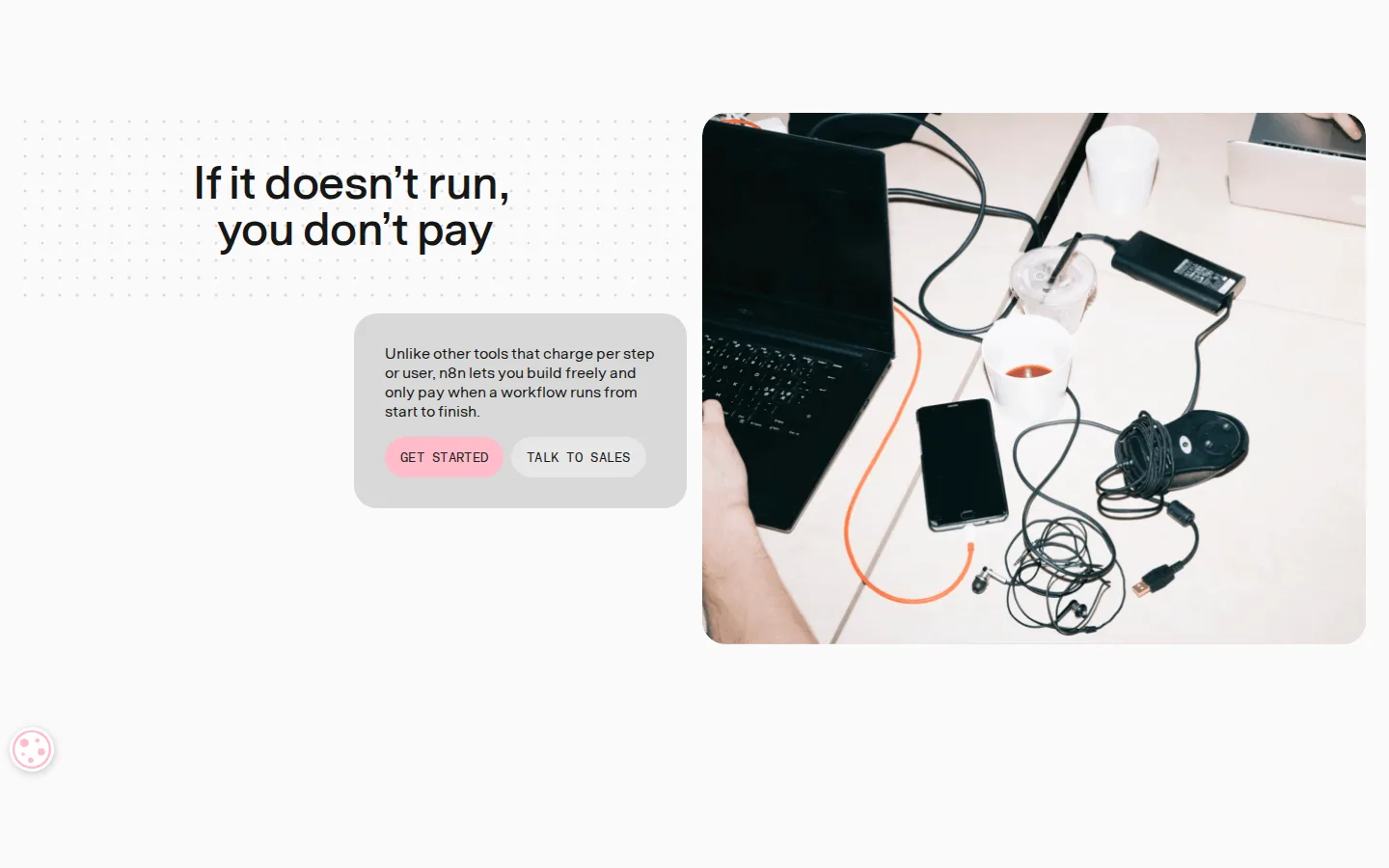
n8n pricing page, checked November 2026.
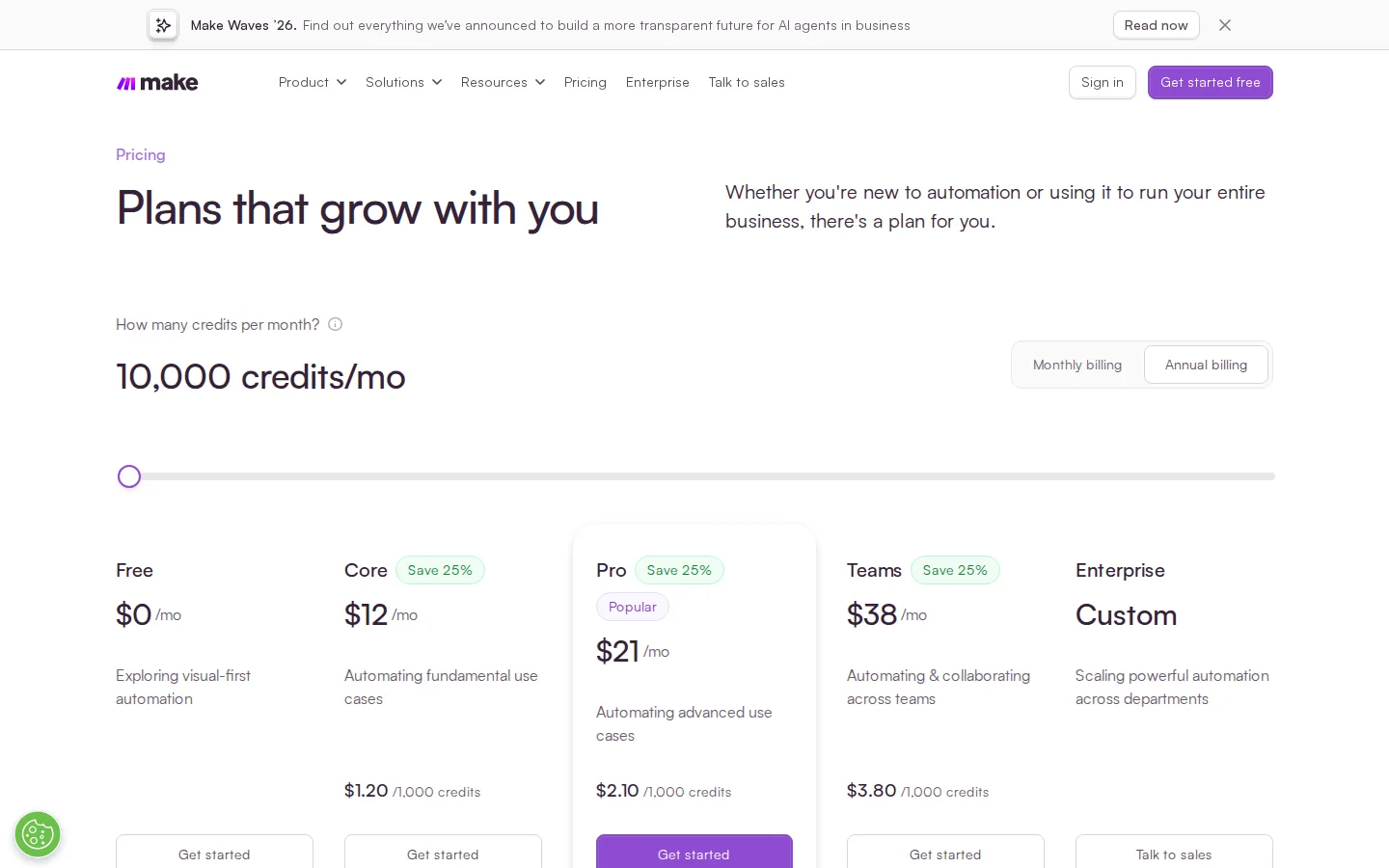
Make pricing page, checked November 2026.
Start with the data boundary, not the feature list. If prompts, customer records, or credentials must stay inside your own network, self-hosted n8n is the only option in this comparison. If they can travel to a managed cloud, Make removes the infrastructure work. We explain the scoring and evidence standard in how we review software.
Data Privacy: Protecting Sensitive Client Records Across Automations
When evaluating n8n vs make for ai workflows, managing client records depends entirely on where prompt data travels. Calling third-party cloud APIs routes payloads to external servers; while major enterprise cloud API providers do not use queries to train models by default, input text still sits temporarily on their systems. Understanding n8n vs make privacy means deciding whether your compliance boundary can tolerate external API calls or requires self-hosting language models so prompts, inputs, and outputs remain strictly inside your local network.
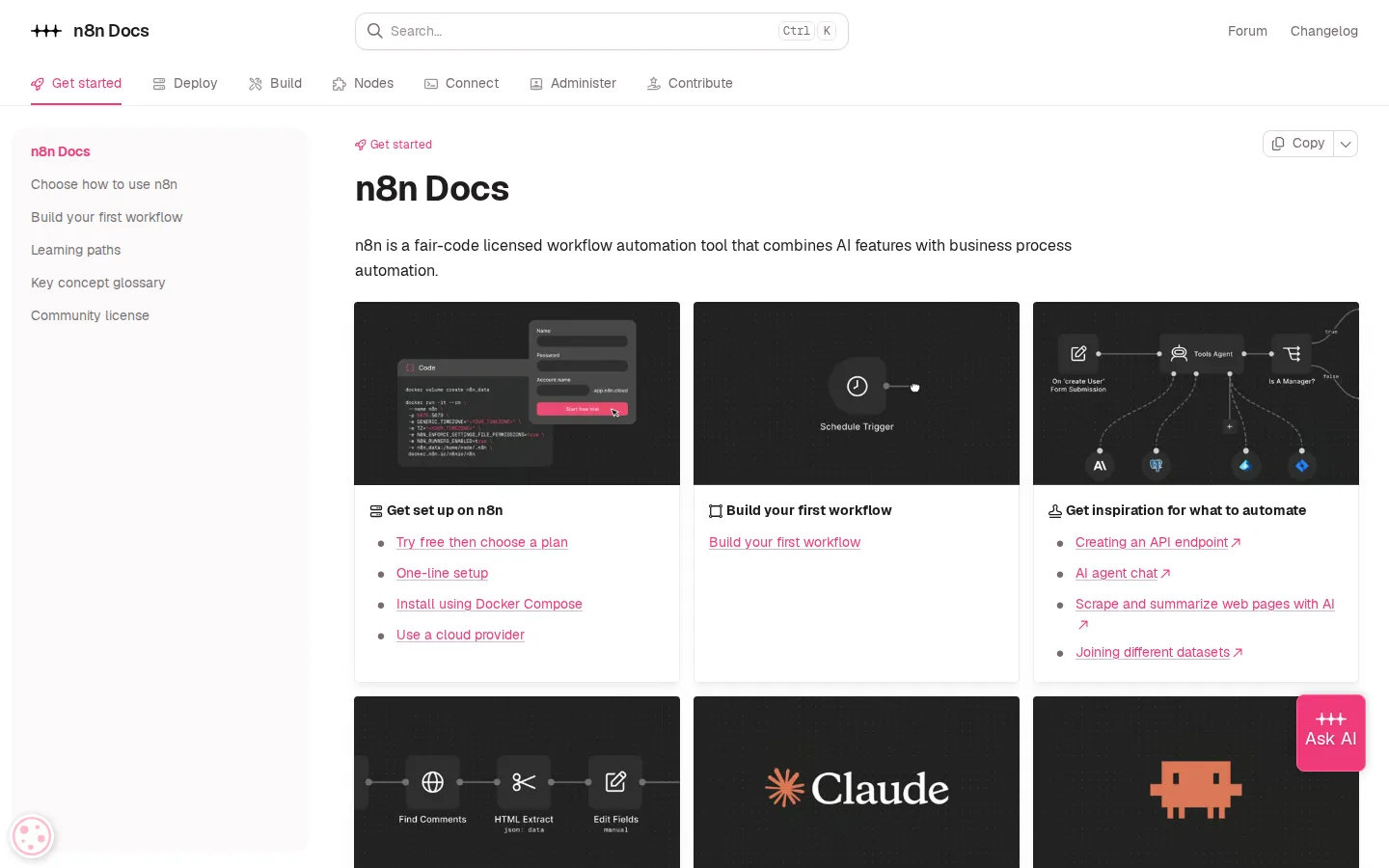
n8n documentation, including self-hosting and privacy guidance.
Self-hosting keeps workflow execution and credentials on hardware you control, but it does not automatically make every integration private. If a node calls a commercial AI endpoint, the prompt still leaves your network. Teams that need full isolation pair the workflow engine with local models or only use providers that can meet their data-processing terms.
The Third-Party API Exposure Catch
What self-hosting does not fix
When comparing n8n vs make for ai workflows, teams often assume running a self-hosted ai workflow engine automatically guarantees privacy. In reality, self-hosting only keeps workflow steps on local infrastructure. If nodes transmit prompts to commercial cloud model endpoints, sensitive payloads still reach external servers.
Major cloud API providers do not use enterprise API inputs for model training by default, but those prompts still rest temporarily on provider servers. True isolation occurs only when you pair the workflow engine with self-hosted language models, keeping prompts, inputs, and completions strictly within your private network boundary.
Feature Comparison: AI Agents, Integrations, and Governance
Both platforms can call AI models, but they expose different levels of control. n8n gives you code nodes, custom HTTP requests, and a self-hosted AI Starter Kit. Make gives you a visual builder and a large library of prebuilt app connectors. The trade-off is flexibility versus speed of assembly.
Scroll the table →
Decision
n8n
Make
Hosting
Cloud or self-hosted
Cloud only
Pricing unit
Workflow execution
Credit / operation
Best for
Teams that need code, self-hosting, and data control
Teams that want managed integrations and faster setup
Custom logic
JavaScript and Python code nodes
Visual modules plus HTTP and custom apps
AI agents
AI Agent node, MCP tools, self-hosted AI Starter Kit
AI Agents and Make AI Provider
Choosing between n8n vs make for ai workflows often comes down to who owns the automation when it breaks. n8n assumes you can read logs, manage credentials, and debug code. Make assumes you would rather assemble modules and let the vendor run the platform. Our automation guides cover the operational side of both approaches.
Cost Crossover: At What Volume Does Self-Hosting Win?
Make’s paid plans start at $9 per month billed annually ($10.59 monthly) for 10,000 credits on Core. n8n Cloud starts at €20 per month billed annually (€24 monthly) for 2,500 executions on Starter; Pro is €50 per month billed annually (€60 monthly) for 10,000 executions. Currency and billing cycle matter: n8n prices in euros, while Make displays US dollars.
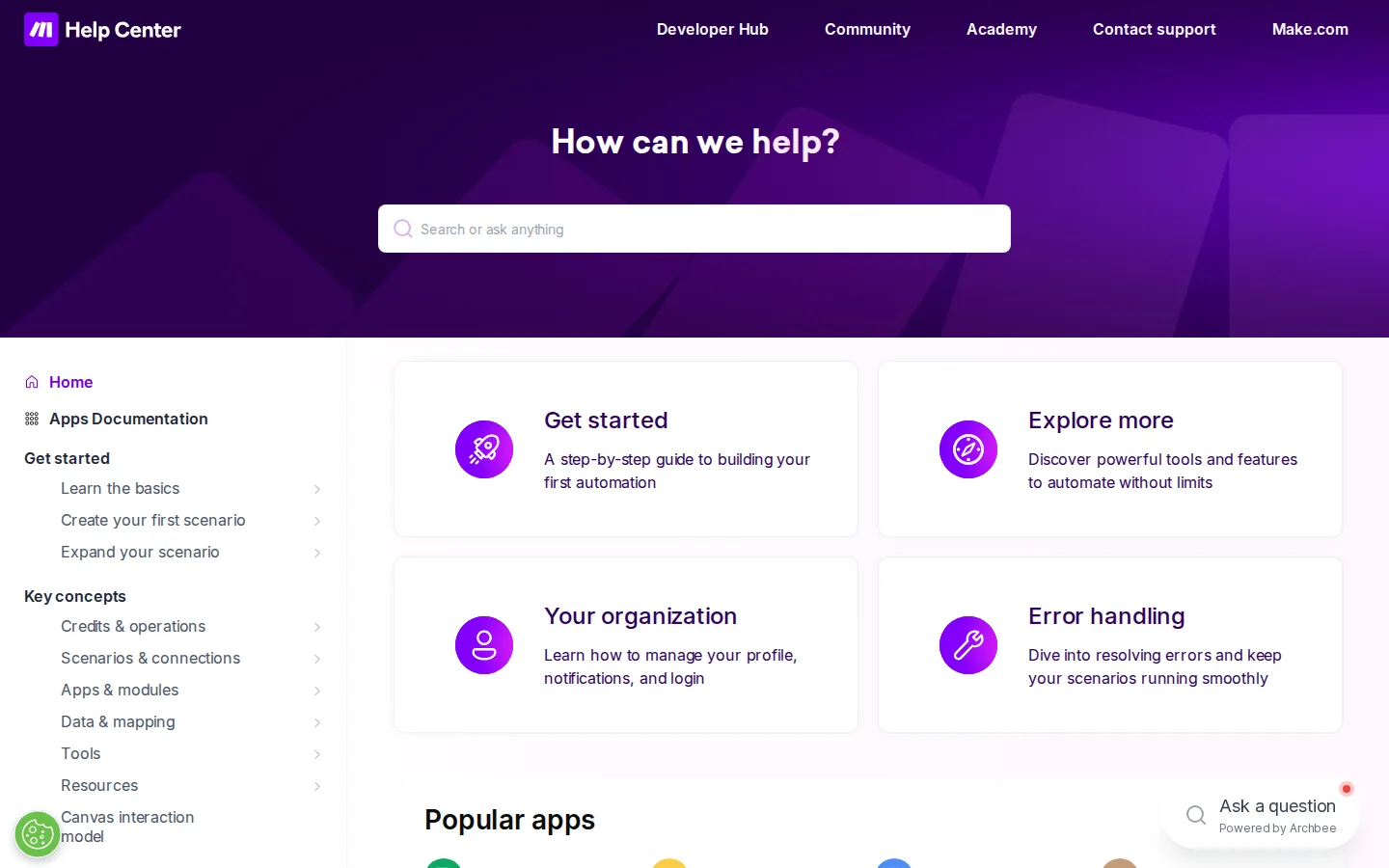
Make help center, where plan and credit questions are documented.
The crossover is not just volume. Self-hosted n8n has no per-execution license fee under the Community Edition, but you pay for servers, backups, monitoring, and the engineer who owns them. A small VPS can run a single instance for a modest monthly cost; queue mode, high availability, and observability add real expense. If self-hosting consumes even a few hours per month, the managed plan can be cheaper until you have someone who owns the infrastructure.
Accounting for Operational Overhead
Evaluating whether a self-hosted ai workflow engine saves money requires factoring in the hidden costs of self-hosting n8n. Running n8n independently demands day-to-day management of Docker deployments, database configurations, web servers, SSL certificates, backup routines, and security patches. Deploying internal inference models introduces additional technical burdens, including hardware sizing, model selection, engine tuning, and ongoing maintenance. Maintaining this infrastructure in production realistically calls for one to two full-time engineers.
Smaller fine-tuned models can reduce per-token costs on narrow tasks, but the operational labor quickly erodes savings unless request volumes justify dedicated staffing.
The key distinction isn’t where the hardware sits geographically — it’s that you control the compute and the data never leaves your infrastructure.
How to Decide Between n8n and Make This Week
Choosing an engine for these tools comes down to data boundaries, engineering resources, and volume. Small teams evaluating whether to pick n8n or Make for AI should assess their exposure before committing.
• Audit compliance boundaries: if prompts, inputs, and outputs must stay inside your local perimeter, self-hosting keeps data off third-party servers entirely. A BAA provides contractual coverage on cloud tools, but data still traverses external systems.
• Calculate token scale: teams processing under 5 to 10 million tokens monthly generally find cloud APIs more economical, while workloads past 100 million tokens can yield major savings with self-managed infrastructure.
• Account for self-hosting overhead: hidden operational costs include hardware sizing, model selection, inference engine tuning, security hardening, and regular updates.
• Assess latency tolerances: cloud API calls introduce network latency before generation starts, making local hosting favorable for tight response budgets.
For n8n vs make for ai workflows, privacy considerations matter more than the feature count. Major cloud API services do not use enterprise queries for model training by default, but payloads still rest temporarily on remote servers. Small teams without dedicated infrastructure engineers frequently find managed setups like Make faster to deploy, whereas n8n suits teams prepared to absorb operational overhead to keep data strictly private.
For a closer look, read ToolNest's guide to practical, ToolNest's guide to how we review software and ToolNest's guide to software comparisons.
Produced by
ToolNest Editorial
Independent software reviews, comparisons and guides for people who want their tools to feel lighter.
Keep reading
More from the nest.
 Comparisons
Figma and Penpot both make serious design software. We compare ecosystem, collaboration, pricing and the teams each tool suits best.
 Guides
Seven jobs, seven tools and a simple weekly reset for a software stack that makes room for focused work instead of more tabs.
 Guides
A practical, low-maintenance analytics routine for small teams: one question, a small stack and a weekly review that leads to decisions.
The ToolNest letter
Better tools, once a week.
One calm email with the reviews, comparisons and tools worth your attention.
Join the newsletter“Less noise. Better tools. A calmer stack.”