Notion vs Coda: which workspace actually fits your team?
Two flexible workspaces, two different ideas of structure. The choice comes down to how much you want to build yourself.
Quick verdict
Pick Notion for most teams. Pick Coda if the workspace itself needs to behave like a small app.

ToolNest Editorial
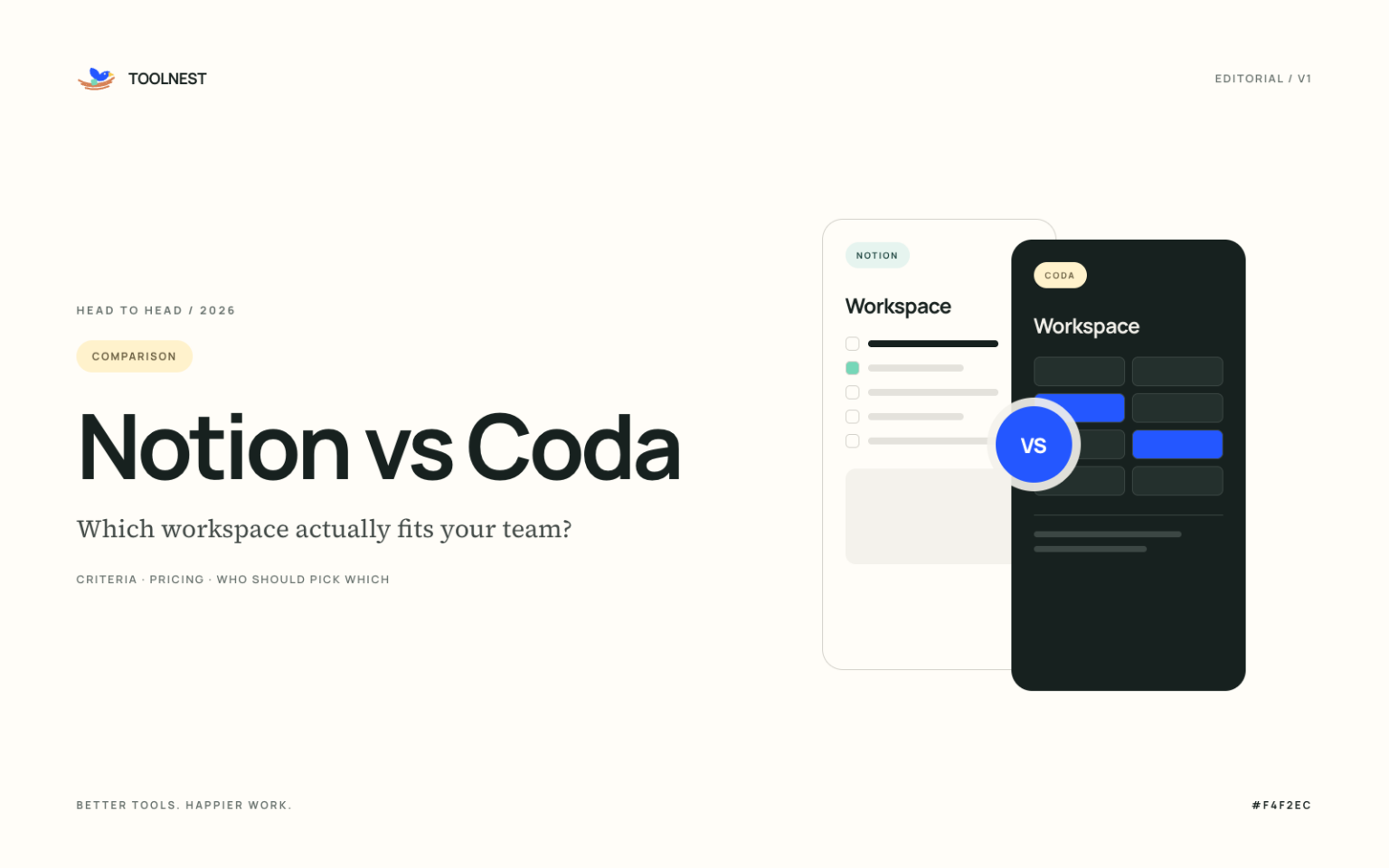
On the surface, Notion and Coda look similar: pages inside pages, databases, templates and a growing library of community setups. In daily use they feel different. Notion leans toward approachable building blocks. Coda leans toward programmable documents that can behave like small apps.
The short version
Scroll to compare →
Where Notion wins
Notion’s advantage is momentum. Most teams have used it, most new hires have seen it, and there is a template for almost every workflow. That shared familiarity lowers the cost of getting started. A small team can build a useful wiki, meeting notes system and lightweight project database in an afternoon without writing a formula.
It also feels calmer. The interface is consistent, the page hierarchy is easy to understand and the database views are close to what a non-technical teammate expects. If your main goal is to stop juggling five document tools, Notion is the shorter path.
Where Coda wins
Coda shines when a document needs to do something. Buttons can update rows, formulas can drive decisions and tables can hold controls that feel closer to a small internal app. Teams that enjoy building their own tools will find more room to experiment.
The trade-off is maintenance. A Coda doc can become a product in its own right, and products need owners. If nobody wants to maintain the logic, the flexibility turns into friction. Coda rewards teams with a builder who enjoys the work.
The 10-criterion comparison
Scroll to compare →
Pricing note
Check before you commit
Both Notion and Coda offer a free plan and paid per-user tiers. The free plans are useful for individuals and small teams, but the paid tiers are where longer history, more guests and admin controls usually appear. Plans change; check the current pages for exact limits.
Pros and cons
Notion
Pros
- One familiar all-in-one workspace.
- Excellent docs and light databases.
- A huge template library.
Cons
- Databases are less programmable.
- Can get messy without an owner.
Coda
Pros
- Documents can behave like apps.
- Strong formulas, buttons and controls.
- Flexible tables for custom workflows.
Cons
- Steeper learning curve.
- Needs a builder to maintain it.
Who should choose which
Choose Notion if
- You want a familiar all-in-one workspace.
- Most of your team is non-technical.
- You would rather use templates than build systems.
- Docs, wiki and light project tracking share one home.
Choose Coda if
- You need documents that behave like internal tools.
- Someone on the team enjoys building workflows.
- Buttons, formulas and automations are central.
- You are willing to maintain what you build.
Frequently asked
Can Notion and Coda replace each other?
For basic docs and databases, yes. The difference appears when you need programmable controls, automations or a team comfortable maintaining a more complex setup.
Which is easier for a small team?
Notion usually has the shorter setup path. Coda can be just as quick if you start simple and resist building too much at once.
Is Coda better for databases?
Coda offers more programmable tables and controls. Notion’s databases are usually easier for a non-technical team.
Do both have free plans?
Yes. Both offer a free plan plus paid per-user tiers. Check the current pages for limits.
Which should I pick for a client portal?
Coda is often the better fit when the portal needs logic and controls. Notion is simpler when the portal is mostly shared docs.
Written by
ToolNest Editorial
Independent software reviews, comparisons and guides for people who want their tools to feel lighter.
All ToolNest reviews are produced automatically, based on research, reviews and automated tests. How we review.
Related reading
Keep comparing.
Newsletter
Join the nest.
One useful tool and one honest take, every Friday. No spam, no growth hacks.
Get the weekly shortlist →
Better tools. Happier work.