Linear, revisited: fast, focused and still worth the hype
A year of use later, the more interesting question is whether Linear’s speed still translates into calmer work.

ToolNest Editorial
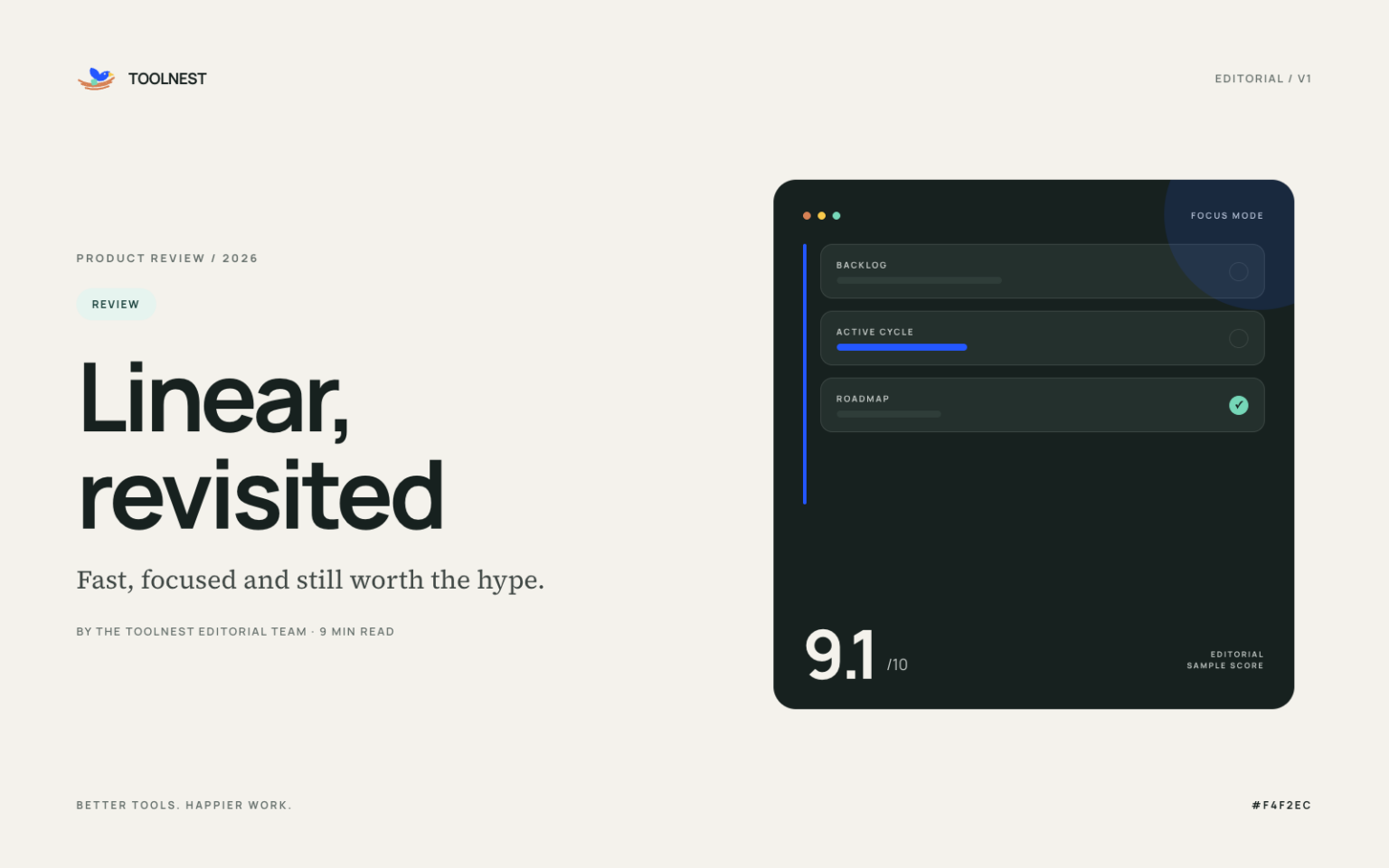
Linear is an issue tracker built around a strong opinion: software teams should spend less time maintaining their project tool and more time shipping. That opinion shows up in the keyboard shortcuts, the restrained interface and the way issues move through a cycle. It is not the right fit for every team, but it is one of the clearest expressions of a particular idea of good software.
The short version
Best for: product and engineering teams that want a fast, focused issue tracker.
Not for: agencies, ops teams or anyone who needs heavy custom reporting.
Score: 9.1 / 10, an editorial judgment, not a verified benchmark.
What Linear does well
The first thing most people notice is speed. Views load quickly, search responds immediately and the keyboard shortcuts become muscle memory after a few days. That matters more than it sounds: every small delay in a project tool is a small interruption, and interruptions compound.
The second strength is restraint. Linear does not ask you to configure a workspace before you can use it. Issues, projects and cycles are the core objects, and the defaults are sensible. If your team already thinks in cycles and small, focused issues, the tool will feel familiar almost immediately.
Where it still asks for patience
Linear is opinionated, and opinions have edges. Teams that live in spreadsheets or need heavy custom fields will find the structure restrictive. Reporting is improving, but it is not a replacement for a dedicated analytics tool. If you need to slice work by client, region or a dozen custom dimensions, expect to do some of that work elsewhere.
There is also a cost question. Per-user pricing adds up quickly, and the free plan has limits that a growing team will eventually feel. The value is real, but it is worth comparing the total cost against a simpler tool your team will actually maintain.
The best project tools disappear into the work. Linear gets closer to that than most.
Pricing and value
At the time of writing, Linear offers a free plan and paid per-user tiers. The free plan is a genuine trial of the product rather than a stub, which is a good sign. For a small product team, the paid plan can replace a project tracker and a lightweight roadmap tool at once. For a larger organization, the calculation depends on how many people need full access.
9.1 / 10
Who it is for
Linear suits product and engineering teams that want a fast, focused issue tracker and are willing to adopt its way of working. It is less suited to agencies managing many client projects, operations teams with complex approval flows, or anyone who needs a project tool to double as a CRM.
Pros
- Exceptionally fast and keyboard-friendly.
- Clear defaults that encourage a healthy workflow.
- Strong issue, project and cycle model.
- The free plan is genuinely usable.
- A calm interface that stays out of the way.
Cons
- Custom reporting is limited.
- Per-user pricing grows with the team.
- An opinionated structure can feel rigid.
- Not designed for client or ops workflows.
- The free plan has limits a growing team will feel.
The verdict
A fast, focused tool that knows what it is.
Linear is still the best fit for product teams that want a calm, quick issue tracker. The 9.1 score is an editorial judgment, not a benchmark. If you need heavy reporting or client workflows, look elsewhere.
Frequently asked
Is Linear good for small teams?
Yes, especially for product and engineering teams that can adopt its cycle-based workflow. The free plan is a reasonable place to start.
Does Linear replace a full project management suite?
For software teams, often yes. For agencies, operations teams or organizations with heavy reporting needs, it is usually one part of a larger stack.
How much does Linear cost?
Linear offers a free plan and paid per-user tiers. Check the current pricing page before you commit; plans and limits change.
Can Linear handle client projects?
It can, but it is not designed around client billing, approvals or per-client reporting. Agencies usually pair it with a CRM or a more flexible project tool.
What is Linear best at?
Fast issue tracking, a clear cycle workflow and a focused interface that does not get in the way of the work.
Written by
ToolNest Editorial
Independent software reviews, comparisons and guides for people who want their tools to feel lighter.
All ToolNest reviews are produced automatically, based on research, reviews and automated tests. How we review.
Related reading
Keep reading.
 Comparison
Notion vs Coda
Two flexible workspaces, two different ideas of structure. We compare docs, databases, pricing models and the teams each one suits.
 Roundup
The best free project management tools
Five free plans a small team can actually use, plus the limits worth checking before you commit.
Newsletter
Join the nest.
One useful tool and one honest take, every Friday. No spam, no growth hacks.
Get the weekly shortlist →
Better tools. Happier work.


