Shopify Sales Channels Explained: Web, POS, & Shop
Shopify sales channels explained clearly. Learn how Online Store, Shop App, and POS sync inventory and orders for lean merchandising teams.

Shopify sales channels explained: Comparing Online Store, POS, and Shop
With core Shopify sales channels explained, selecting where to sell comes down to balancing daily team capacity against real inventory complexity.
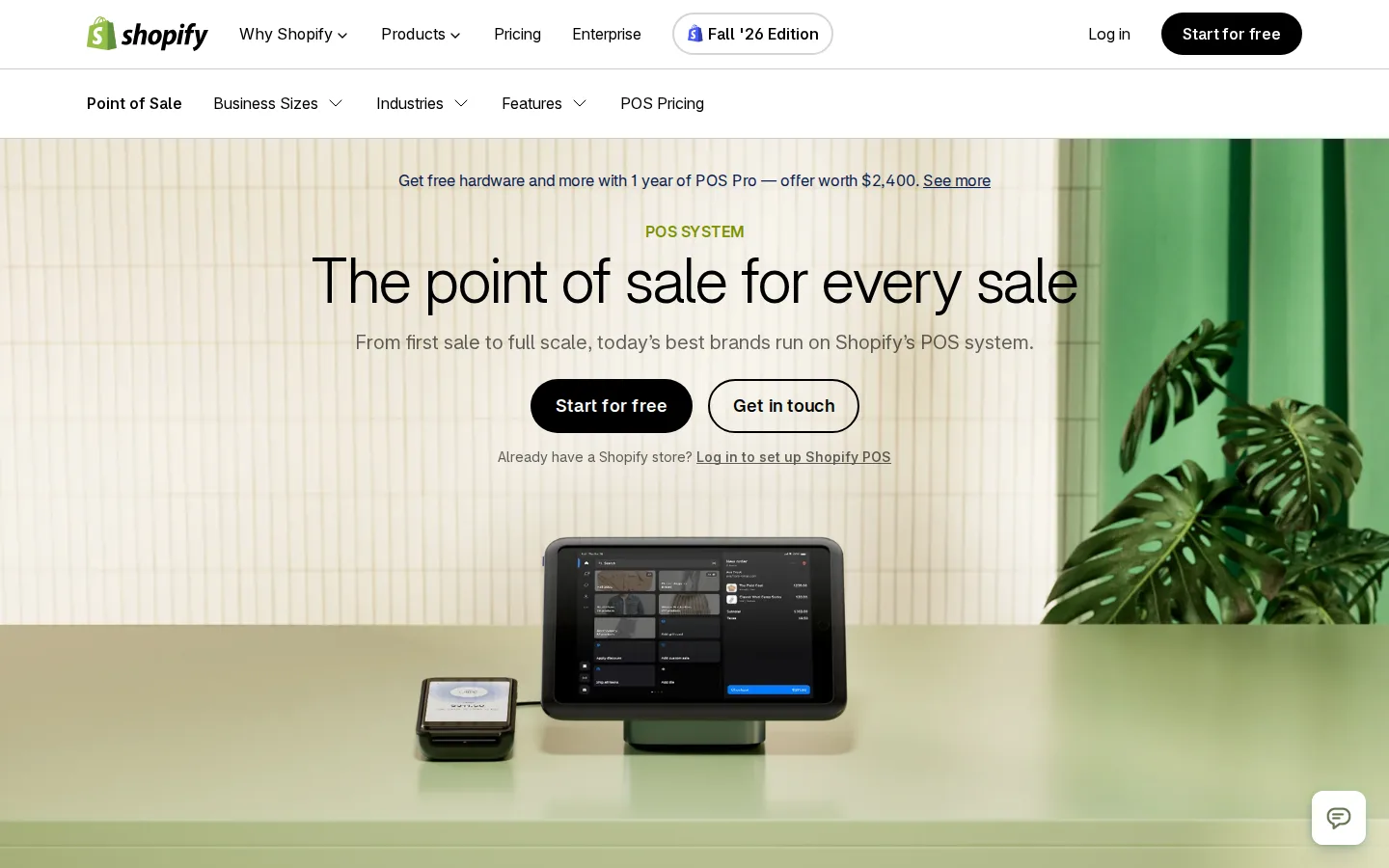
Source: shopify.com
When building a shopify sales channel roundup: online store, shop app, and pos for lean merchandising, our evaluation focused on keeping daily overhead manageable without requiring dedicated technical staff. Running more than three to five sales channels without dedicated operational systems can trigger inventory fragmentation and delayed order fulfillment, making native data reliability a crucial baseline for small teams.
Source: apps.shopify.com
We prioritized direct synchronization over complex multi-dashboard setups. Tools like Shopify POS automatically sync inventory and orders across physical retail spots, online storefronts, and active channels right in the main Shopify admin, preventing fractured stock counts.
Finally, we weighed channel margin impacts and customer touchpoints. The trade-off is not only reach: every extra channel adds operational overhead, so compare the reach against the work it creates. Native Shopify channels keep inventory and orders in one place, which makes margin easier to see.
Channel Shortlist for Lean Merchandising
Choosing a configuration in this shopify sales channel roundup: online store, shop app, and pos for lean merchandising depends on your staffing limits. Managing more than three to five sales channels without dedicated operational systems can split inventory and delay order fulfillment, making a consolidated core setup essential for small teams.
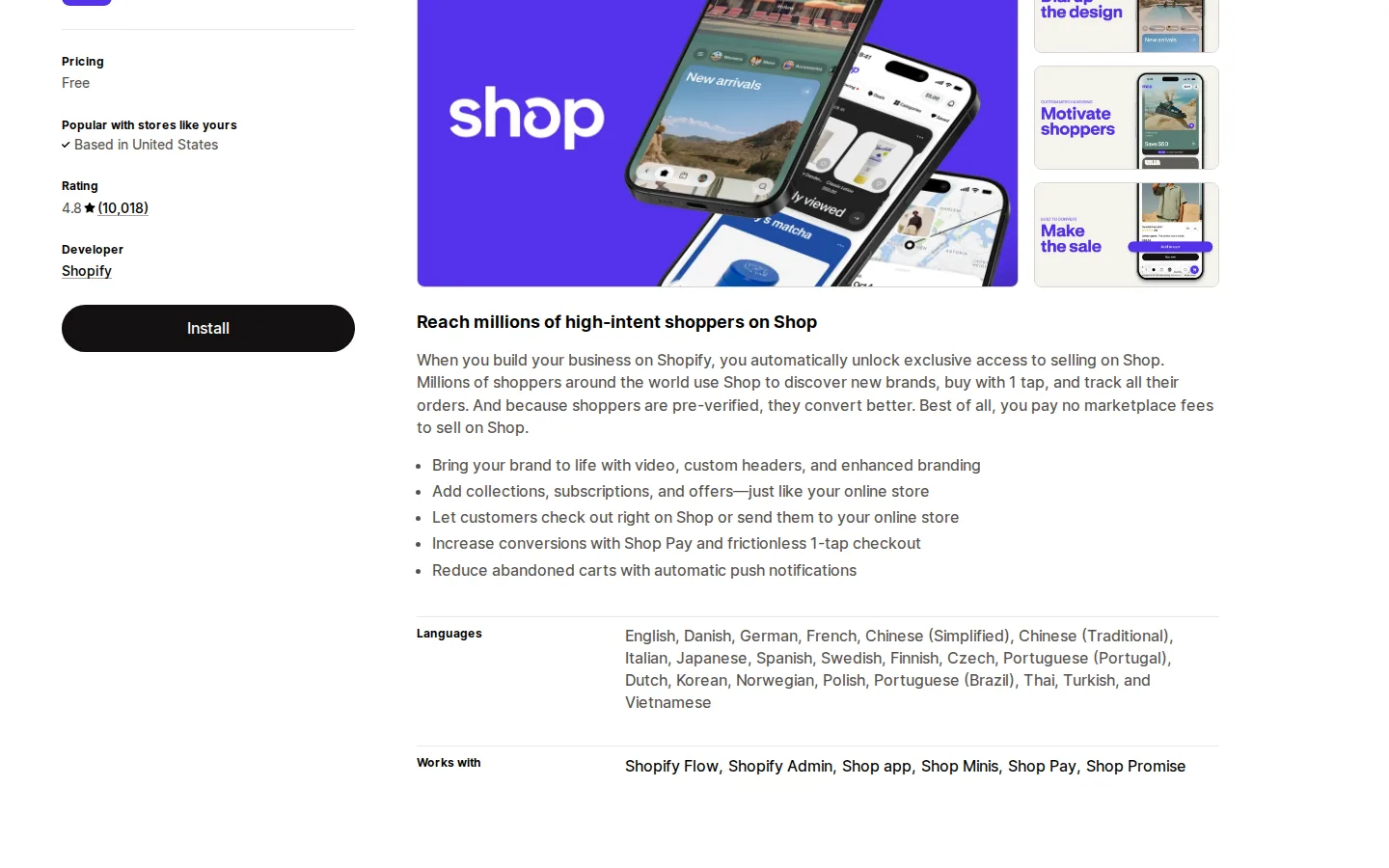
• Digital-first retail (Online Store + Shop App): Best for lean e-commerce teams wanting discovery without third-party marketplace fees. Enabling Shopify Payments opens access to over 250 million registered shoppers in the Shop network. Keep in mind that installing the Shop app requires granting administrative permissions to view and edit product listings, inventory levels, order fulfillments, and checkout settings, alongside sensitive customer details such as names, phone numbers, physical addresses, emails, and device geolocation.
• Hybrid storefront (Online Store + POS): Ideal for single-location or pop-up merchants needing unified physical and digital stock. It leverages Shopify's reported 99.9% platform uptime across checkout services to keep counter transactions moving smoothly without separate inventory dashboards.
Shopify Online Store: The Anchor for Catalog and Stock
Within any shopify sales channel roundup: online store, shop app, and pos for lean merchandising, the web storefront acts as the operational base for product records and order processing. Inventory tracking and multichannel order workflows originate in the primary admin, and Shopify POS syncs orders and inventory across physical locations, online storefronts, and other active sales channels directly into the Shopify admin.
Because mobile devices represent approximately 79% of total web traffic across Shopify online stores, maintaining clean item data and responsive layout controls at the core catalog level directly determines how effectively baseline stock allocates across retail and digital destinations.
Shop App: Low-Maintenance Mobile Marketplace Expansion
External marketplace channels add reach but also their own operational overhead. Operating more than three to five sales channels without dedicated operational systems can cause inventory fragmentation and delayed order fulfillment. In contrast, the Shop app provides native distribution directly tied to your existing store data.
To automate catalog presentation and centralize checkout, the Shop app requires store permissions to view and edit product listings, inventory levels, order fulfillments, and checkout settings in Shopify admin. These permissions ensure product updates and order history sync directly without extra dashboards.
Handling customer data between touchpoints also requires broad integration. The Shop app requests access to customer data such as names, phone numbers, addresses, and email, plus device and activity data such as geolocation. Because this information connects directly to the core Shopify admin, customer profiles and order histories stay consolidated across both mobile app and web purchases.
Shopify POS: Unifying physical retail with back-office inventory
As part of our shopify sales channel roundup: online store, shop app, and pos for lean merchandising, unifying in-person registers with web catalog data is critical. Shopify POS syncs orders and inventory across physical locations, online storefronts, and other active sales channels directly into the central Shopify admin. This real-time visibility prevents overpromising items across channels, while Shopify Payments gives merchants direct exposure to an audience of over 250 million registered shoppers across the broader Shop network.
Source: help.shopify.com
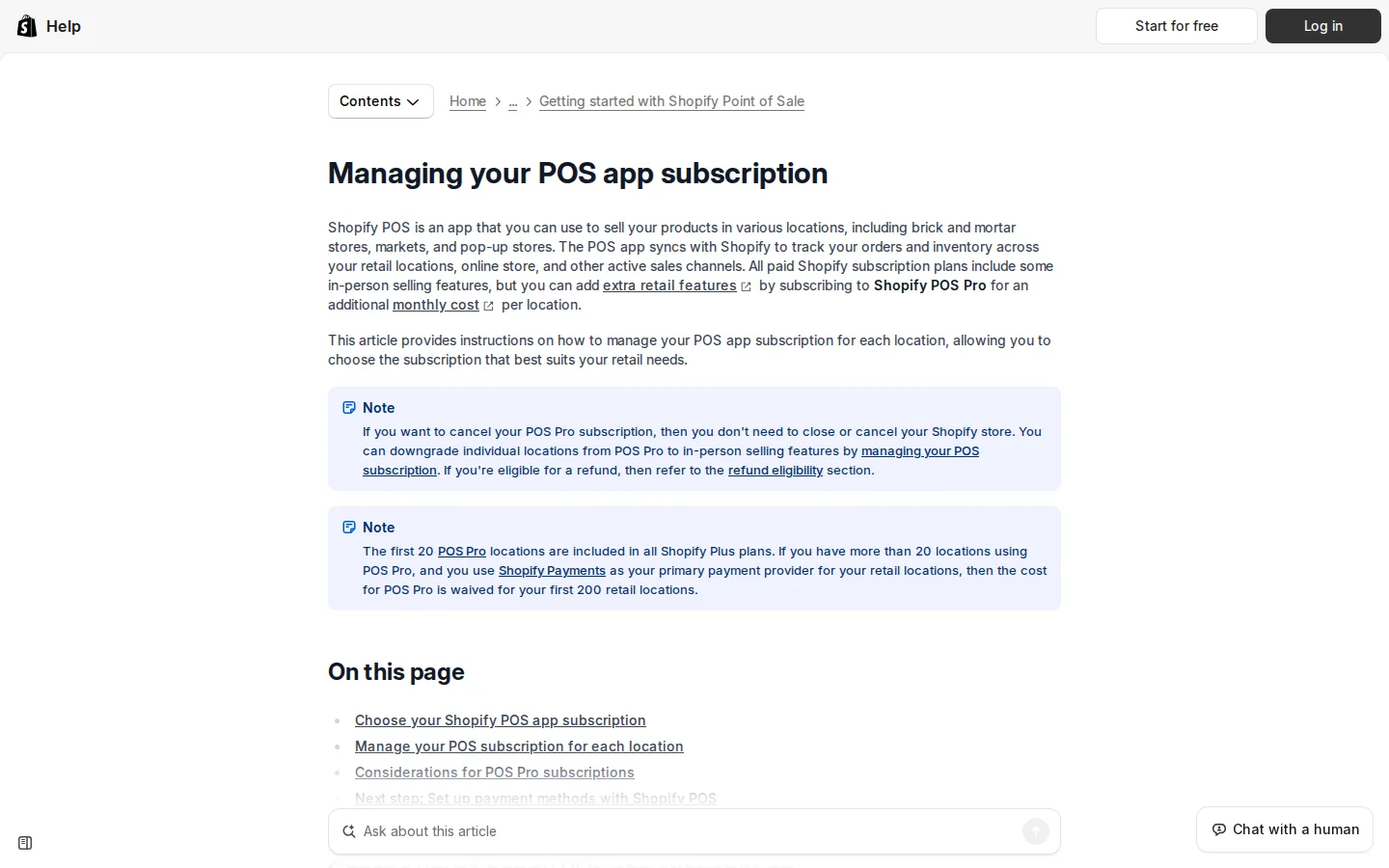
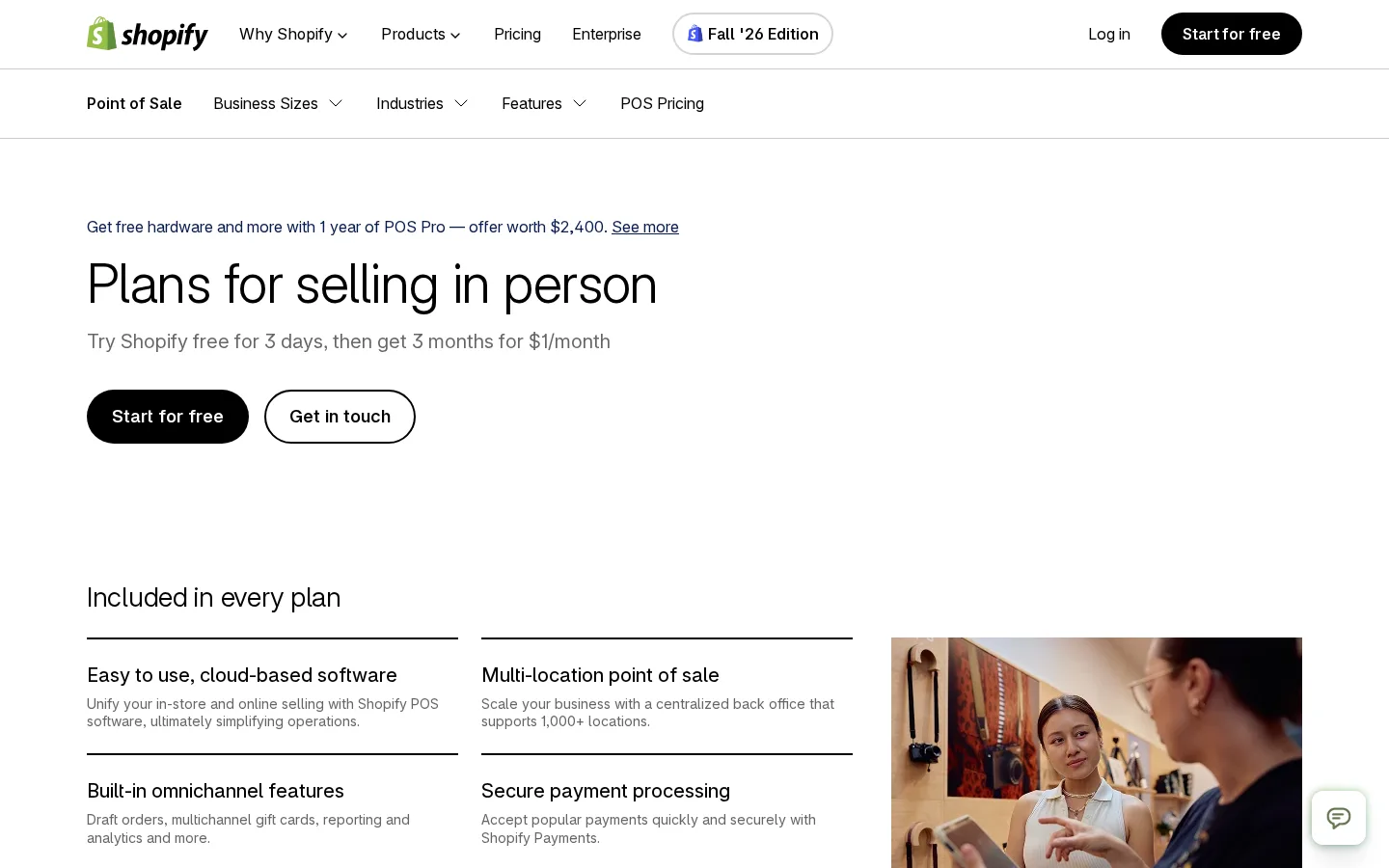
Basic in-person checkout capabilities are included with all standard paid Shopify plans at no extra charge, allowing lean businesses to sell at pop-ups or simple counters right away. However, upgrading to Shopify POS Pro enables unlimited staff accounts, custom staff permissions, order exchanges, and advanced retail inventory management across locations.
For busy storefronts, the functional divide between the tiers becomes clear at the register. Features like automatic discounts, order cancellations, save and retrieve cart, and in-store pickup fulfillment are restricted to the POS Pro tier. POS Pro is available as an add-on subscription priced at $89 USD per month per location, using a separate 30-day app billing cycle from your base Shopify plan. For reliability during peak store hours, Shopify reports 99.9% platform uptime across checkout services.
Shopify Sales Channel Comparison Matrix
Evaluating your options in this Shopify sales channel roundup: online store, shop app, and pos for lean merchandising shows distinct differences in operational complexity and recurring costs. While the central admin acts as the shared single source of truth for stock levels, each channel demands varying levels of staff overhead and configuration.
Source: shopify.com
• Channel | Setup Requirements | Subscription Pricing | Inventory Sync Model | Staff Overhead
• Online Store | Theme setup, domain routing, and checkout configuration | Included in core Shopify plan | Native Shopify admin catalog and multi-location inventory | Digital fulfillment, catalog maintenance, and customer service
• Shop App | App install; requires store permissions for listings, inventory, and orders | Included; requires Shopify Payments activation | Direct sync via Shopify admin product catalog and fulfillment rules | Low overhead; automated listing sync and mobile customer discovery
• Shopify POS | Hardware pairing, location assignment, and staff PIN configuration | Basic included; POS Pro add-on is $89 USD/month per location | Real-time sync across retail locations, storefronts, and active channels | Limited roles on basic plans; POS Pro adds unlimited staff accounts and custom permissions
Basic in-person selling through Shopify POS is included with all standard paid Shopify plans at no extra charge, syncing orders and stock levels across retail spots and online storefronts directly within the admin. Upgrading to POS Pro adds an $89 USD monthly fee per location, unlocking unlimited staff accounts, custom permissions, and exchanges. In contrast, the Shop app operates through admin permissions to sync products, stock levels, and order fulfillments automatically.
Frequently Asked Questions
How seamlessly does inventory sync across the web storefront, Shop App listings, and POS hardware?
Shopify POS and connected channels coordinate stock levels directly through the central Shopify admin. Shopify POS automatically syncs orders and product inventory across physical retail locations, online storefronts, and other active touchpoints to prevent discrepancies.
What administrative overhead is introduced when managing fulfillment across three distinct sales channels with a small staff?
Operating a tight set of core channels remains manageable, but scaling beyond three to five sales channels without dedicated operational systems creates risks of inventory fragmentation and delayed order fulfillment. In addition, native tools like the Shop app require administrative permissions to view and update product listings, inventory quantities, and order fulfillment status.
How does customer data centralization work within Shopify when customers buy across both app and web touchpoints?
Shopify links customer profiles using centralized checkout and channel permissions. Integrating the Shop app requires store permissions to access sensitive customer data, including names, phone numbers, physical addresses, email addresses, and device geolocation, keeping buyer records accessible within the main dashboard.
Managing a unified footprint is central to any shopify sales channel roundup: online store, shop app, and pos for lean merchandising setup. Shopify POS syncs orders and inventory across physical locations and online storefronts into the primary admin, while the Shop app relies on permissions to edit product listings, inventory levels, and order fulfillments.
Related reading: Software reviews.
Related reading: How we review software, Software comparisons.
For a closer look, read ToolNest's guide to software reviews, ToolNest's guide to how we review software and ToolNest's guide to software comparisons.
Produced by
ToolNest Editorial
Independent software reviews, comparisons and guides for people who want their tools to feel lighter.
Keep reading
More from the nest.
 Reviews
Read our candid Notion review for small teams. Explore verified pricing, core trade-offs, and daily workflow fit to decide if it matches your needs.
 Reviews
Read our Loom review to evaluate pricing, video storage limits, and whether async recordings genuinely cut meeting overload for remote teams.
 Reviews
Read our candid Fathom Analytics review. Learn if this privacy-first, cookieless tracker provides enough data to replace Google Analytics 4 for small sites.
The ToolNest letter
Better tools, once a week.
One calm email with the reviews, comparisons and tools worth your attention.
Join the newsletter“Less noise. Better tools. A calmer stack.”


