Attio Review: Does Data-Driven Customization Fit Lean Teams?
Read our candid Attio review to see if this flexible, data-driven CRM fits your lean team. Explore pricing, setup complexity, and key trade-offs.

Attio Review: Key Strengths and Daily Limitations
Attio replaces rigid tables with customizable objects, giving fast-moving teams a flexible workspace if they are willing to handle the upfront data modeling. This Attio review weighs whether that adaptable framework balances out the platform's lack of native dialers and practical onboarding.
The short version
Attio delivers exceptional flexibility for startups that need custom data models without the rigidity of legacy platforms. Connecting your email and calendar automatically builds an ongoing contact repository, while custom objects allow you to link records like invoices or partnerships directly. Lean teams that value clear document organization, similar to the workflow highlighted in our craft for teams review, will appreciate the structured design.
The core trade-off is architectural overhead and limited native reach. Attio lacks phone support and does not provide a native sync with LinkedIn, requiring more deliberate integration planning. Teams testing this attio review can evaluate the setup during a 14-day trial of the Pro plan before committing.
Pipeline Flexibility vs Setup Overhead
Attio gives non-technical teams remarkable freedom to build custom workflows, but the blank-slate design demands deliberate architecture upfront. In this attio review evaluation, reps do not encounter rigid legacy tables. Instead, teams can create custom objects like invoices, partnerships, or distinct workspaces tied together with relational links.
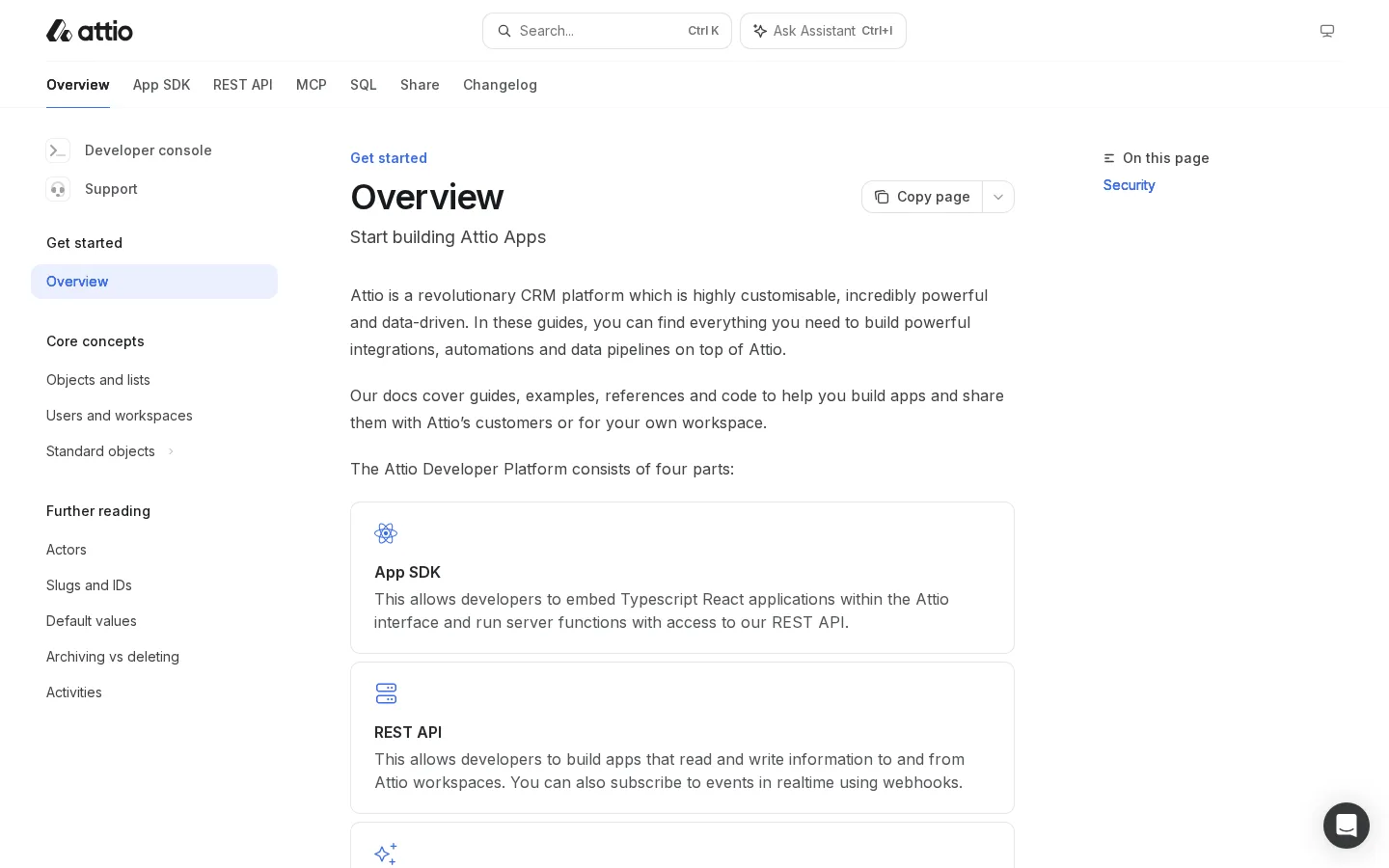
Source: docs.attio.com
So how difficult is attio setup in practice? Starting from scratch requires strategic planning because the system avoids predefined structures, meaning reps must define their own properties. Teams adopting the platform often document their new data flows using async tools, as highlighted in our loom review.
The operational trade-off centers on tier ceilings and connectivity constraints. While the Free tier permits up to three objects and 50,000 records, scaling teams unlock up to 12 objects on the Pro tier. However, onboarding complexity increases if your process relies heavily on missing native tools like direct LinkedIn synchronization.
Automated Mailbox Sync and Data Enrichment
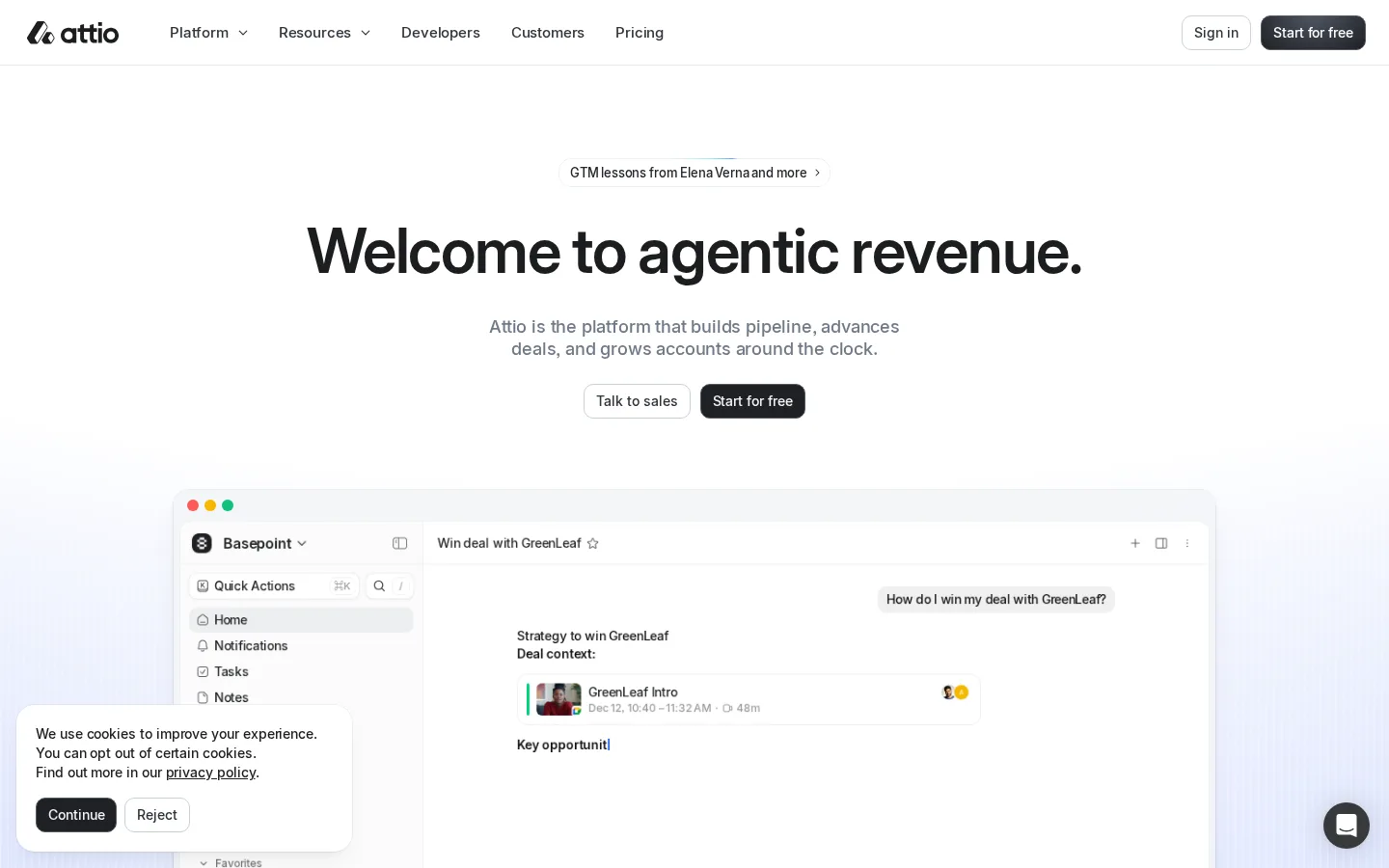
Attio reliably automates mailbox syncing and builds a shared directory without manual input. Connecting an email account and calendar logs correspondence instantly and creates a global contact repository. This baseline automation ensures reps never waste time copying message histories into records.
Source: attio.com
Teams evaluating this platform often wonder: does attio have automatic data enrichment? In this attio review, the software provides native enrichment even on the Free plan, though deep prospecting still benefits from external tools like Clay. Evaluating these workflows feels similar to comparing dedicated support stacks in gorgias vs zendesk for shopify.
Native integrations expand the platform's ability to maintain clean contact intelligence across the revenue stack. Pre-built connectors bridge data to Slack, Segment, Zapier, Granola, Linear, and Notion. However, reps cannot sync directly with LinkedIn and must operate without live phone support.
Attio vs Traditional CRMs: Architecture and Trade-offs
Attio replaces rigid contact hierarchies with a fully relational data engine. Users construct custom objects like invoices, partnerships, or workspaces with linked attributes instead of forcing all activity into standard company and contact records. However, this flexibility requires extra setup effort, and teams lose conveniences like phone support or native LinkedIn syncing.
Whether Attio beats legacy tools depends on your operational model. If you compare attio vs hubspot, legacy systems offer out-of-the-box pipelines but resist unconventional data structures. You can check our software review hub to evaluate how pre-built workflows compare against Attio integrations with tools like Slack, Segment, and Zapier.
Scroll the table →
Feature
Attio
Traditional CRMs
Data Structure
Relational custom objects linked dynamically
Fixed hierarchies centered on leads and contacts
Initial Configuration
Blank-slate setup tailored to custom workflows
Pre-configured pipelines and standardized stages
Channel Support
Email and API-driven without phone support
Multi-channel support including dedicated phone lines
Ecosystem Connectivity
Modern stack links like Segment, Linear, and Clay
Extensive enterprise ecosystems and native LinkedIn sync
Attio pricing and credit limits
How does attio pricing work for growing teams? Attio offers four distinct tiers starting with a Free tier for up to three users. Paid options begin with the Plus plan at $29 per user monthly billed annually or $36 month-to-month, alongside a 14-day trial for its Pro plan.
In our attio review assessment, platform costs also depend on a two-part credit system. Attio divides usage into personal seat credits for Ask Attio and pooled workspace credits for workflows and AI features. Pro pricing appears across directory listings between $59 and $69 per seat on annual terms, while Enterprise contracts use custom annual billing with SAML single sign-on support.
Scroll the table →
Plan
Starting Price
Seat Limit
Key Capabilities
Free
$0
Up to 3 seats
Core CRM features and basic enrichment
Plus
$29/user/month (annual)
Up to 10 seats
Enhanced data enrichment and email sharing
Pro
$59–$69/user/month
Unlimited
Advanced enrichment, reporting, and 14-day trial
Enterprise
Custom (billed annually)
Unlimited
Unlimited objects, SAML SSO, and priority admin tools
We evaluate tiers against practical team budgets using our review methodology. Teams should audit both seat counts and expected automated workflow runs before committing to higher tiers.
Attio Pros and Cons
This attio review highlights a flexible platform that replaces rigid relational databases with custom architecture. Connecting email and calendar accounts automatically logs interactions into a shared workspace. Teams must balance these modern workflows against key gaps, such as absent phone support and missing native LinkedIn syncing.
Pros
• Custom objects let teams design custom relational models for partnerships, invoices, and projects
• Automatic calendar and email syncing keeps interaction logs accurate without manual input
• Pre-built and custom API connections link smoothly with tools like Slack, Zapier, Clay, and Linear
• Free tier accommodates small teams of up to three users with capacity for 50,000 records
Cons
• Attio lacks phone support and does not provide a native sync with LinkedIn, requiring more deliberate integration planning.
• The operational trade-off centers on tier ceilings and connectivity constraints.
• onboarding complexity increases if your process relies heavily on missing native tools like direct LinkedIn synchronization.
• reps cannot sync directly with LinkedIn and must operate without live phone support.
Who Should Choose Attio
Attio fits fast-growing technology startups and modern revenue teams that require flexible data structures rather than rigid out-of-the-box pipelines. Teams can create custom relational objects like invoices or partnerships and automatically log correspondence by syncing their email and calendar accounts.
• Seed and early-stage startups needing a functional free tier for up to three users with automatic contact syncing.
• SaaS and product-led teams that manage custom data objects like workspaces alongside typical accounts.
• Organizations that prioritize connecting platforms like Slack, Notion, Segment, and Zapier into their pipeline.
Who Should Look Elsewhere
The verdict
Who should choose Attio
Teams relying heavily on phone support or direct outbound prospecting through LinkedIn should explore alternatives. In this attio review, traditional sales organizations that expect pre-built, turn-key pipelines will find the initial blank-slate configuration demanding.
Frequently Asked Questions
Does Attio support LinkedIn sync?
No, Attio does not provide a native sync with LinkedIn. Teams that rely heavily on social selling will need to import profile data manually or bridge contacts using third-party workflow connectors.
What integrations are available natively?
Attio connects directly with tools like Slack, Segment, Zapier, Granola, Clay, Linear, and Notion through pre-built setups or custom APIs. Teams can also use webhook endpoints and developer tools to build custom pipelines.
What customer support channels does Attio offer?
Attio does not provide phone support for troubleshooting. Users must rely on digital documentation and written support channels to resolve technical issues or implementation hurdles.
Evaluating connectivity and service limits is a critical step in any this review. While modern data teams benefit from direct links to modern tools like Clay and Notion, organizations requiring immediate phone assistance or native social syncing will encounter clear trade-offs.
Produced by
ToolNest Editorial
Independent software reviews, comparisons and guides for people who want their tools to feel lighter.
Keep reading
More from the nest.
 Reviews
Read our honest Linear review for small agencies. Discover official pricing, key limits, and whether its focused issue tracking fits your client workflow.
 Reviews
Our candid Asana review for small agencies breaks down pricing, daily workflows, fit, and key trade-offs without the hype. See if it fits your team.
 Reviews
Read our candid Notion review for small teams. Explore verified pricing, core trade-offs, and daily workflow fit to decide if it matches your needs.
The ToolNest letter
Better tools, once a week.
One calm email with the reviews, comparisons and tools worth your attention.
Join the newsletter“Less noise. Better tools. A calmer stack.”


