Postmark Review: Developer-Friendly Transactional Email for Small SaaS and Apps
Read our candid Postmark review for small SaaS teams. Compare transactional deliverability, pricing, logs, and setup trade-offs before you build.

Postmark Review: Developer Integration and Real-Time Diagnostics
This Postmark review examines how the service handles critical application delivery, developer workflows, and pricing for growing software teams.
The short version
For engineering teams seeking dependable transactional delivery, this postmark review finds a straightforward trade-off: Postmark isolates transactional messages from bulk broadcasts using distinct message streams to defend sender reputation, but it comes at a higher unit cost. Paid plans start at $15 per month for 10,000 emails on Basic, billed strictly month to month with no annual discounts.
Developers can test standard SMTP relay or official REST API libraries on a permanent 100-email monthly tier. Teams who appreciate clear infrastructure boundaries like the approach in our fathom analytics review will value Postmark's focus on transactional email over generic marketing features.
Developer Integration and Real-Time Diagnostics
Setting up the Postmark email API or routing through a standard SMTP relay is straightforward for teams accustomed to fast tool implementations. ActiveCampaign acquired Postmark in 2022, but the platform operates independently with dedicated documentation and official client libraries across environments like Node.js, Python, Ruby, and Rails.
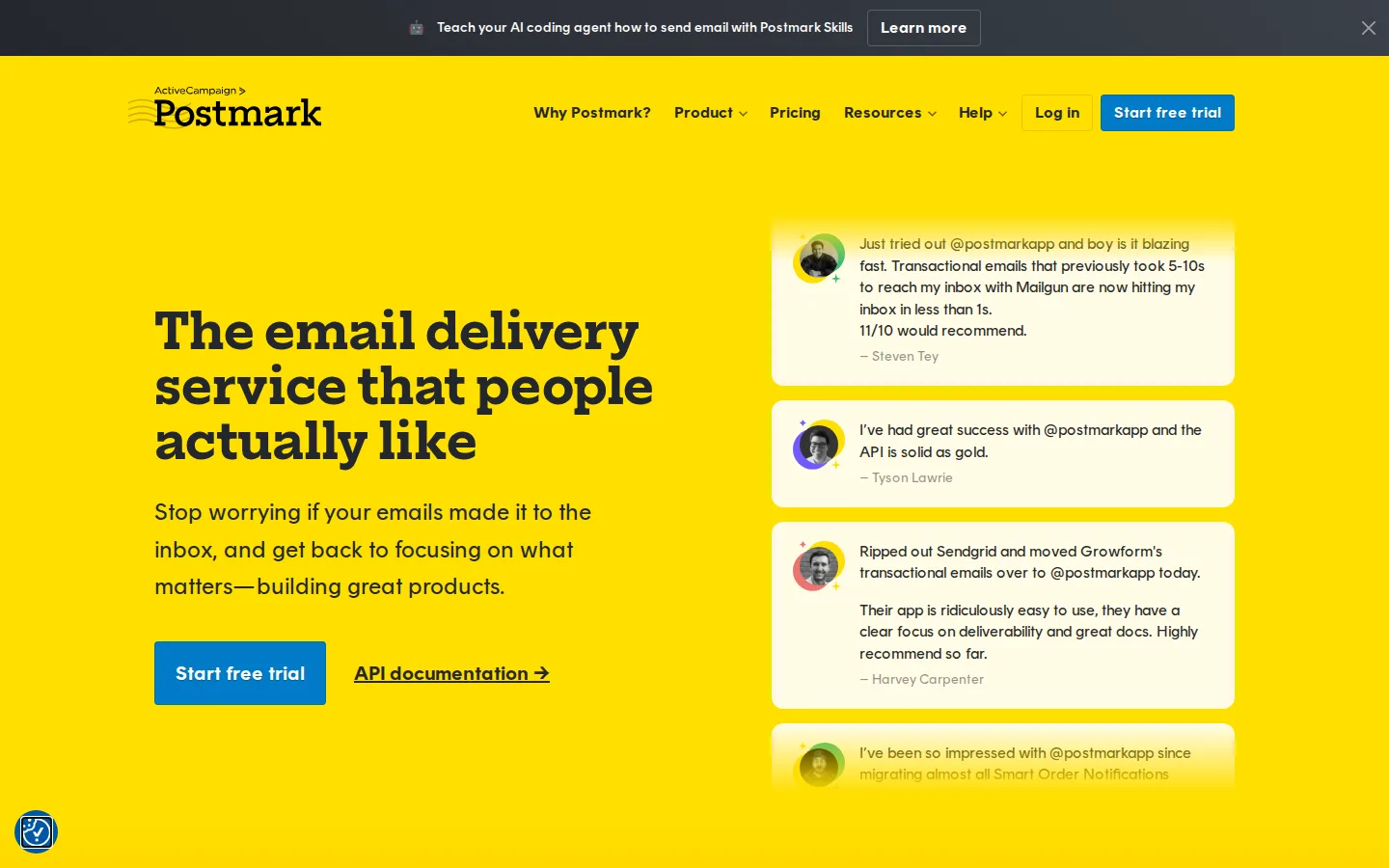
Source: postmarkapp.com
In this postmark review, message observability stands out during troubleshooting. The platform separates postmark transactional email delivery paths from promotional broadcasts using isolated message streams to protect overall sender reputation. For diagnosing delivery issues, standard plans provide 45 days of message activity, event logs, and rendered content retention. Teams can track real-time delivery, bounce, and open events via webhooks or automate handling with the Rebound feature, mirroring the clean operational visibility teams expect when reading a Linear Review for Small Agencies: A Clear Guide.
For testing before deploying to production, Postmark pricing includes a free developer tier capped at 100 emails per month with no expiration date, though delivery stops without overages once that ceiling is reached. Teams requiring domain-level visibility can also add DMARC monitoring starting at $14 per month per domain.
Safeguarding deliverability: message streams, manual vetting, and bounce handling
Maintaining postmark deliverability relies heavily on structural separation. Postmark isolates transactional email delivery infrastructure from promotional broadcasts using dedicated message streams to protect sender reputation. For automated maintenance, Postmark includes automated bounce handling and suppression through its Rebound feature alongside webhooks for delivery, bounce, and open events.
In our postmark review research across our software review hub, operational visibility proves equally straightforward. Developers can send emails using a REST API via official client libraries across languages such as Node.js, Python, Ruby, and Rails, or via standard SMTP relay. Standard tiers include 45 days of message activity, event logs, and rendered content retention, with extended retention available for purchase.
Postmark Pricing: Tier Breakdown and Overage Costs
Evaluating postmark pricing shows that the service focuses exclusively on monthly sending volume rather than contact counts or user seats. Postmark entry paid pricing begins at $15 per month for 10,000 emails on the Basic plan, with published data checked as of August 2026 and November 2026. For developers testing before launch, Postmark provides a free developer tier that permits sending up to 100 emails per month with no expiration date, but sending halts upon reaching this cap without overage allowances.
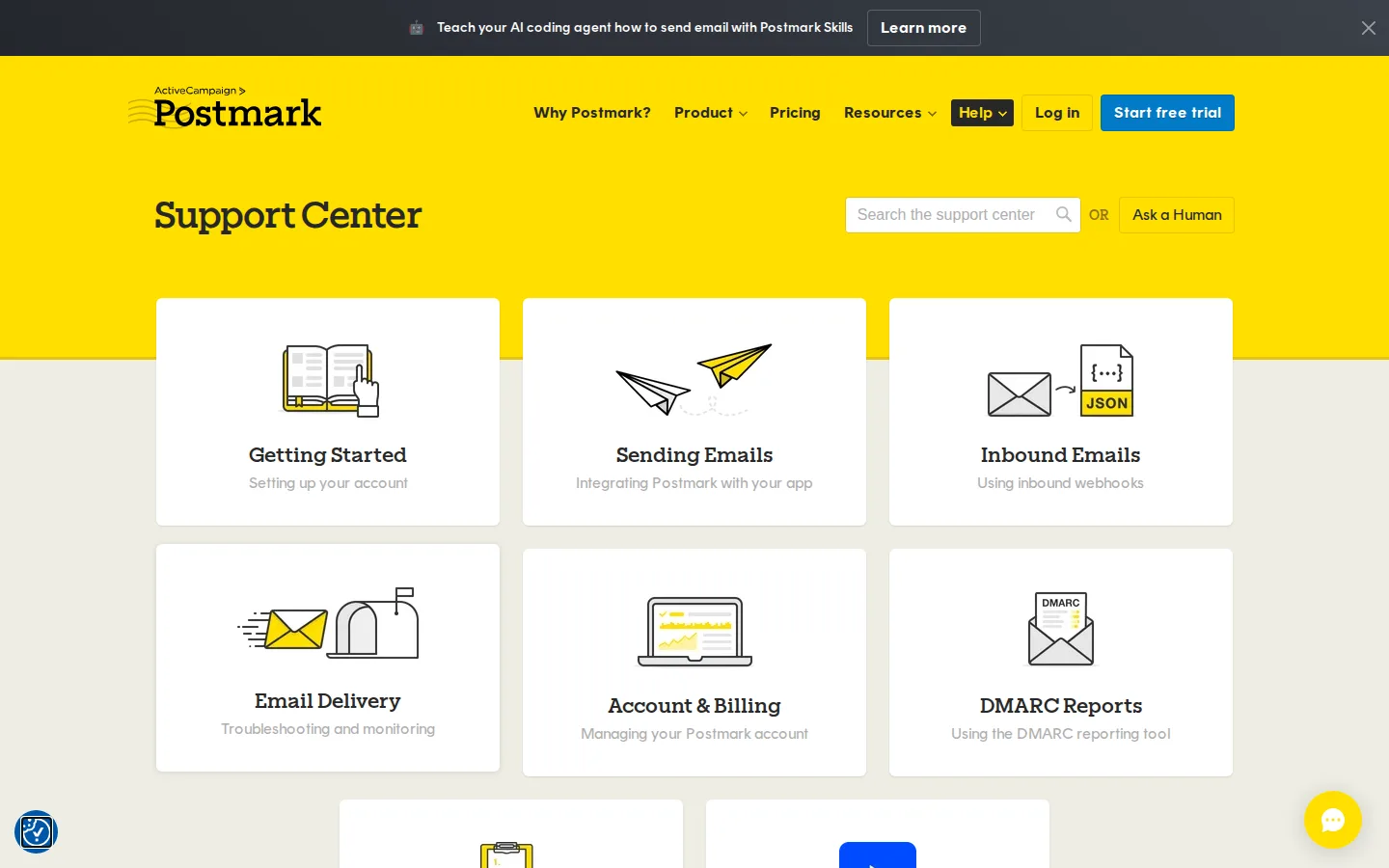
Source: postmarkapp.com
Beyond the free tier, the pricing ladder operates across three tiers: Basic, Pro, and Platform. At the 10,000 email tier, the Pro plan costs $16.50 per month and the Platform plan costs $18.00 per month. Across volume tiers, the Pro plan costs 10 percent more than Basic, while the Platform plan costs 20 percent more than Basic. Teams needing inbound email parsing should note that it is excluded from the Basic tier and requires upgrading to Pro or Platform plans.
When assessing how much does postmark cost under fluctuating traffic, overage terms are critical. Unused monthly email allocations do not roll over into subsequent billing cycles. Overage fees on the 10,000 monthly email tier are billed at $1.80 per 1,000 emails on Basic, $1.30 per 1,000 on Pro, and $1.20 per 1,000 on Platform. Unlike providers offering long-term contracts, Postmark operates strictly on monthly billing and does not offer annual discounts or annual payment commitments.
Understanding how we review software helps evaluate the architectural trade-offs between postmark vs sendgrid and postmark vs aws ses which is better for small apps. While AWS SES or SendGrid can offer cheaper bulk rates for raw capacity, Postmark isolates transactional email delivery infrastructure from promotional broadcasts using dedicated message streams to protect sender reputation.
Furthermore, Postmark includes 45 days of message activity, event logs, and rendered content retention on standard tiers, with extended retention available for purchase, though optional tools like DMARC monitoring start at $14 per month per domain.
Postmark Pros and Cons
In evaluating this postmark review, developers benefit from rapid setup via REST client libraries or standard SMTP relay, backed by automated bounce handling and 45 days of searchable logs.
Pros
• Dedicated message streams separate transactional deliveries from promotional broadcasts to protect sender reputation
• Official SDKs across Node.js, Python, Ruby, and Rails alongside standard SMTP relay enable quick deployment
• Standard plans include automated bounce suppression and 45 days of event activity and rendered content logs
• Manual account vetting safeguards the health of shared IP pools before sending begins
Verdict: who should choose Postmark
In our postmark review, Postmark is best suited for teams that prioritize critical transactional deliverability and simplicity over the cheapest per-message rates. The service separates transactional email delivery from promotional broadcasts using dedicated message streams to safeguard sender reputation. Standard plans provide 45 days of message activity, event logs, and rendered content retention for straightforward troubleshooting.
The verdict
Verdict: who should choose Postmark
Paid pricing starts at $15 per month for 10,000 emails on Basic, with the Pro tier priced at $16.50 and Platform at $18.00 per month for the same volume. Across all tiers, Pro adds 10 percent to the Basic price, Platform adds 20 percent, and unused email allowances do not roll over between months. Billing operates strictly on monthly terms without annual discounts.
How easy is Postmark to integrate via API?
Integration is straightforward. Developers can dispatch transactional messages using either a standard SMTP relay or Postmark’s REST API, supported by official client libraries in languages such as Node.js, Python, Ruby, and Rails. If your application requires inbound email parsing, note that this feature is omitted from the entry Basic tier and requires upgrading to Pro or Platform.
Postmark vs AWS SES which is better for small apps?
For small teams seeking convenience, Postmark delivers turnkey bounce and complaint handling out of the box, with paid plans starting at $15 per month for 10,000 emails on Basic. Amazon SES is significantly cheaper at roughly $0.10 per 1,000 emails à la carte (or $0.16 per 1,000 on Essentials), but it provides raw infrastructure where developers must engineer their own suppression and bounce handling using tools like Amazon SNS.
What happens when an account exceeds the free tier email limit?
Postmark provides a permanent Developer tier allowing 100 free emails per month that never expires. However, there are no overage allowances on this tier; once you reach the 100-email cap, all outbound sending halts immediately until the next monthly billing cycle resets or the account is upgraded to a paid plan.
Related reading: Fathom Analytics Review and Asana Review for Small Agencies.
For a closer look, read Review for Small Agencies.
For a closer look, read Linear Review for Small Agencies.
Produced by
ToolNest Editorial
Independent software reviews, comparisons and guides for people who want their tools to feel lighter.
Keep reading
More from the nest.
 Reviews
Our candid Asana review for small agencies breaks down pricing, daily workflows, fit, and key trade-offs without the hype. See if it fits your team.
 Reviews
Read our candid Notion review for small teams. Explore verified pricing, core trade-offs, and daily workflow fit to decide if it matches your needs.
 Reviews
Read our Loom review to evaluate pricing, video storage limits, and whether async recordings genuinely cut meeting overload for remote teams.
The ToolNest letter
Better tools, once a week.
One calm email with the reviews, comparisons and tools worth your attention.
Join the newsletter“Less noise. Better tools. A calmer stack.”


